
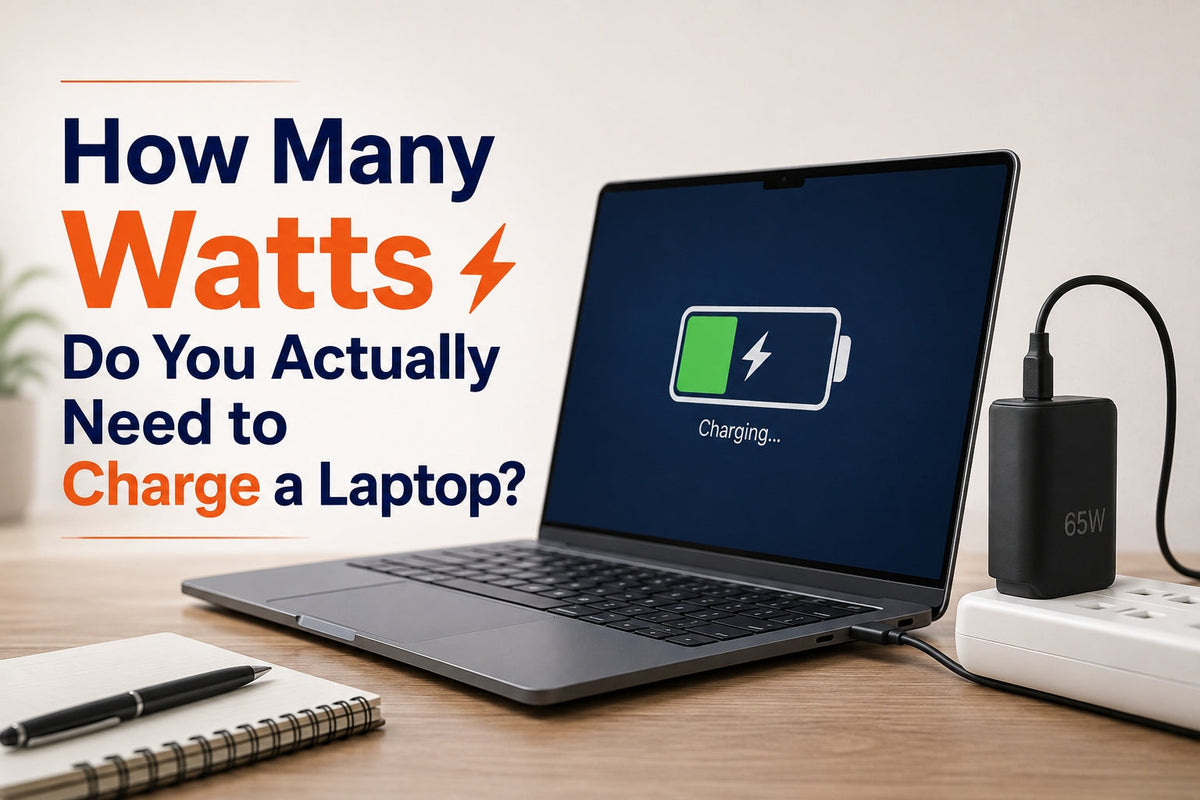
If you've ever bought a power bank that claimed to be "laptop compatible" and watched your laptop charge at a crawl or not charge at all while you were using it, the problem almost certainly wasn't the power bank's capacity. It was the wattage. Capacity tells you how long a battery lasts. Wattage tells you how fast it can actually deliver power to your laptop, and it's the number that decides whether your laptop charges properly or just holds steady while you work.
The short answer: most ultrabooks like the MacBook Air need around 65–70W to charge at full speed. Mid-size laptops like a 14-inch MacBook Pro or a mainstream Windows ultrabook typically need 65–100W. High-performance laptops, a 16-inch MacBook Pro under load, a gaming laptop, or a mobile workstation can need 100W to 240W depending on what you're doing while it's plugged in.
This guide walks through where that number actually comes from, what "PD fast charging" means in practice, why a 65W and a 100W power bank aren't interchangeable even though the difference sounds small, and what a gaming laptop specifically needs that a typical guide skips.
Where Your Laptop's Wattage Number Comes From
Every laptop ships with or is rated for a specific charging wattage, usually printed on the original power adapter. This number reflects two things: how much power the battery itself can safely accept while charging, and how much power the laptop draws when it's actively running demanding tasks while plugged in. A laptop charging while idle needs far less power than the same laptop charging while running a video export or a compile job, which is why the rated wattage is closer to a worst-case number than an average one.
This is also why "how many watts do I need" doesn't have one universal answer; it depends entirely on your specific laptop, and sometimes on what you're doing with it at the time. As a general guide:
|
Laptop type |
Typical charging wattage |
Example |
|
Ultrabook / thin-and-light |
45–67W |
MacBook Air, most 13-inch Windows ultrabooks |
|
Mid-size professional laptop |
65–100W |
MacBook Pro 14-inch, Dell XPS, ThinkPad |
|
High-performance / creator laptop |
100–140W |
MacBook Pro 16-inch, mobile workstations |
|
Gaming laptop |
150–240W |
ROG, Legion, Alienware and similar high-draw models |
If you're buying a laptop power bank, matching this number is the single most important decision more important than capacity, and more important than brand.
What "PD Fast Charging" Actually Means

USB-C Power Delivery, almost always shortened to "PD," is the charging standard that lets a laptop and a power source, a wall adapter or a power bank negotiate how much power to send. This negotiation happens automatically over the same cable that carries the power, using both devices' PD capabilities to agree on a voltage and current that's safe and appropriate for that specific laptop.
This is the part most product listings skip past: a power bank advertised as "100W" doesn't guarantee 100W to your laptop. It guarantees 100W is available if your laptop's PD negotiation successfully requests it. A power bank with a limited or poorly implemented PD profile can fail that negotiation even when the raw wattage number looks sufficient on paper which is why some buyers end up with a laptop that shows "not charging" despite a power bank that seemed powerful enough.
This matters directly when comparing wattage tiers. GRAVL's Axis 67 delivers a genuine 67W over USB-C PD, matched specifically to ultrabook-class laptops. The Engine 240 goes further, with advanced PD support, built specifically to complete the negotiation correctly with the highest-drawn laptops on the market, not just claim a big number on the box.
The Real Difference Between a 65W and a 100W Power Bank
On paper, 65W and 100W look like a modest gap of about 35 extra watts. In practice, that gap determines an entire category of laptop.
A 65W power bank comfortably charges any ultrabook at full speed a MacBook Air, most 13-inch Windows laptops, and similar thin-and-light machines. It will also charge a more demanding laptop, but more slowly than that laptop's own adapter would, because the laptop can't draw more power than the source provides.
A 100W power bank opens up mid-size professional laptops, a MacBook Pro 14-inch, higher-spec Windows ultrabooks, and similar machines that draw more power under real use, particularly with the display and processor working simultaneously. This is roughly the point where "keeps the laptop charged" becomes "charges the laptop at genuinely full speed" for a meaningfully wider range of devices.
The practical difference isn't really about raw speed in isolation, it's about whether your specific laptop is on the right side of that line. A 65W power bank charging a 65W laptop and a 100W power bank charging the same 65W laptop perform almost identically, because the laptop itself caps what it accepts. The gap only matters once your laptop's own rated wattage crosses into that 65–100W range, which is precisely why GRAVL builds separate tiers the Axis 67 for ultrabook-class devices, the Forge 130 for higher-draw laptops needing up to 130W across two independent ports, and the Engine 240 for the most demanding devices rather than one generic "laptop power bank" sized for the average case.
What a Gaming Laptop Actually Needs
Gaming laptops are the category most buying guides get wrong, because they're compared against ultrabooks using the same rough wattage assumptions. A gaming laptop under real gaming load can draw significantly more power than its idle or light-use charging figure suggests some high-end models are rated for 230W or more from their original adapter, specifically because the GPU and CPU are both drawing heavily while the battery also tries to charge.
This creates a genuine practical distinction: a gaming laptop can often charge while idle from a mid-tier power bank, but will drain rather than charge or charge very slowly from the same power bank while actively gaming. If you need a power bank that keeps a gaming laptop topped up during actual use, not just between sessions, you need to match the laptop's peak draw, not its average one. The Engine 240's 240W total output, split across 140W and 100W simultaneous ports, is built for exactly this kind of high, sustained draw, the category GRAVL's smaller models aren't designed for.
How a PD Negotiation Actually Happens
It's worth understanding the mechanics, because it explains why two power banks with the same wattage number can behave completely differently with the same laptop. When you plug a laptop into a PD-capable power bank, four things happen in sequence, all within a fraction of a second: the laptop and the power bank identify each other as PD-capable devices over the cable's data lines; the power bank advertises the voltage and current combinations it can supply; the laptop requests the specific combination it needs, based on its own charging controller and current power draw; and the power bank either accepts and delivers that exact combination, or fails to support it and falls back to a lower, sometimes much lower, charging rate.
That last step is where cheaper or poorly engineered power banks fall short. A power bank might list "100W" on the box because its maximum output across all its supported voltage combinations adds up to 100W, without actually supporting the specific voltage a given laptop requests. The laptop then either charges slowly, using a fallback rate, or doesn't charge at all. The "not charging" message some buyers see is usually this negotiation failing, not a fault with the laptop or a lack of power reaching it. This is why GRAVL states the actual supported voltage and current range for each model rather than just a single peak wattage figure.
Does a Higher-Wattage Power Bank Damage Your Laptop?

A common concern, especially when moving up to something like a 240W power bank, is whether more available power than a laptop's original charger provides can cause harm. It can't. A laptop only ever draws the power it's built to accept the charging controller inside the laptop, not the power bank, decides how much current actually flows in. A 240W power bank connected to a laptop rated for 65W will charge that laptop at exactly the same speed and safety profile as a 65W charger would, because the laptop simply never requests more than 65W in the first place. This is standard behavior across USB-C PD devices generally, not something specific to any one brand of power bank.
Where wattage actually matters for laptop health isn't the power bank's maximum capability, it's heat, and heat is primarily a function of how much power is actually flowing, not how much is available. A laptop charging at its own rated wattage from a well-built power bank generates no more heat than it would from its original adapter.
Charging a Laptop and a Second Device at the Same Time
Wattage decisions get more complicated the moment you want to charge a laptop and a phone, tablet, or earbuds from the same power bank simultaneously because now the available power has to be shared or split across ports, and how a power bank handles that split matters as much as its headline number.
Some power banks simply divide their total wattage across whatever's plugged in, meaning a laptop charging alongside a phone gets less than its rated speed even if the power bank's total output looks sufficient on paper. Others, including GRAVL's Forge 130 and Engine 240, use independent output channels; instead each port delivers its own dedicated wattage regardless of what else is connected, so a laptop on one port and a phone on another both charge at full speed simultaneously rather than splitting a shared pool. This distinction rarely appears on a spec sheet, but it's the difference between a power bank that genuinely supports multi-device charging and one that only claims to.
The Cable Matters Almost As Much As the Power Bank
One detail that trips up even careful buyers: the cable connecting the power bank to the laptop has to support the wattage being delivered, or it becomes the actual bottleneck regardless of what either device is capable of. Many USB-C cables, including some bundled with unrelated accessories, are only rated for 60W. Plugging a 240W-capable power bank into a laptop using one of these cables caps the whole connection at 60W, no matter what the power bank's spec sheet says a genuinely common, invisible reason someone's "high wattage" power bank doesn't seem to charge their laptop any faster than expected.
This is why GRAVL builds a rated cable directly into its higher-wattage models rather than leaving cable selection to chance the built-in cable on the Engine 240 is matched to its full 140W output, so the cable is never the limiting factor. If you're using a separate USB-C port on any power bank with your own cable, it's worth confirming that cable's rated wattage specifically, not just assuming any USB-C cable performs the same as any other.
A Simple Way to Check Your Own Laptop's Wattage

Before buying any power bank, the most reliable number is the one printed on your laptop's own charger, usually on the adapter brick itself, listed as "Output" in watts. If you no longer have the original adapter, most manufacturers list the charging wattage in your laptop's technical specifications, searchable by model name. Matching this number, or choosing slightly above it, is the safest way to guarantee full-speed charging regardless of which brand of power bank you eventually buy.
Choosing the Right Wattage Tier
|
If your laptop needs |
Choose |
Why |
|
Up to 67W |
Matched to ultrabook-class draw, no wasted capacity |
|
|
Up to 130W, or a laptop plus a phone at full speed together |
Two independent 65W outputs, both simultaneous |
|
|
130W and above, including gaming and creator laptops |
240W total, built for sustained high draw |
Every model in GRAVL's laptop range the full lineup is on the laptop power bank collection carries the same 4-year warranty, the longest currently offered on a power bank in India, so the decision genuinely comes down to matching wattage to your laptop rather than weighing warranty terms between models. If you already own a GRAVL power bank, you can register it here to activate the extended battery coverage.
For more on how capacity and wattage interact since they're often confused with each other see our guide on how many mAh you actually need to charge a laptop. And if 240W specifically is what brought you here, why 240W is the number that matters for the most demanding laptops goes deeper on that specific tier.
FAQ
How many watts do I need to charge a laptop?
It depends on your specific laptop. Ultrabooks typically need 45–67W, mid-size professional laptops need 65–100W, and high-performance or gaming laptops can need 100–240W. The most reliable number is printed on your laptop's original charger.
What is PD fast charging?
PD, or USB-C Power Delivery, is the charging standard that lets a laptop and a power source negotiate how much power to send safely. A device advertised at a certain wattage only delivers that wattage if the PD negotiation with your specific laptop succeeds; the number alone doesn't guarantee it.
What's the actual difference between a 65W and 100W power bank?
A 65W power bank fully charges ultrabooks and thin-and-light laptops at full speed. A 100W power bank extends that to mid-size professional laptops that draw more power under real use. If your laptop's own rated wattage sits below 65W, the two perform almost identically, because the laptop itself limits how much it accepts.
What wattage power bank do I need for a gaming laptop?
Gaming laptops can draw significantly more power under active use than their idle charging figure suggests, sometimes 150–240W or more. A power bank in the 130–240W range, like the Engine 240, is generally needed to keep a gaming laptop charging, not just draining slowly during actual gameplay.
Does a higher-wattage power bank charge my laptop faster if my laptop doesn't need that much?
No. A laptop only draws the power it's rated to accept, regardless of how much a connected power bank is capable of supplying. A 240W power bank charging a 65W laptop charges it at the same speed as a 65W power bank would.


Leave a comment
This site is protected by hCaptcha and the hCaptcha Privacy Policy and Terms of Service apply.